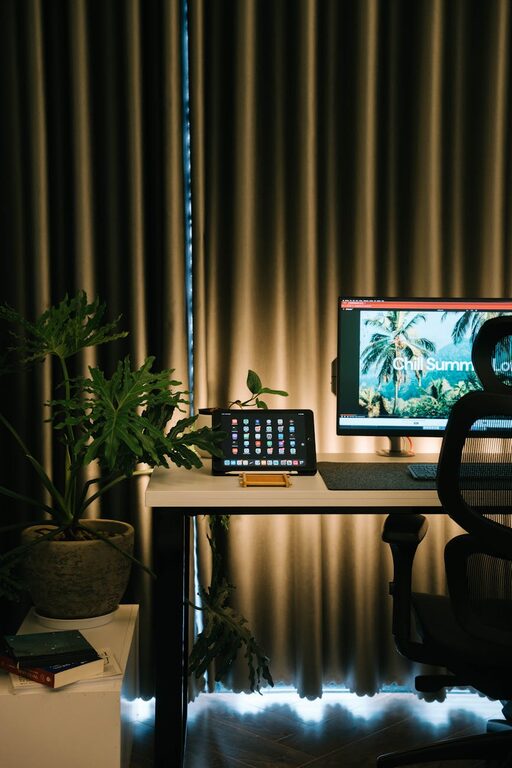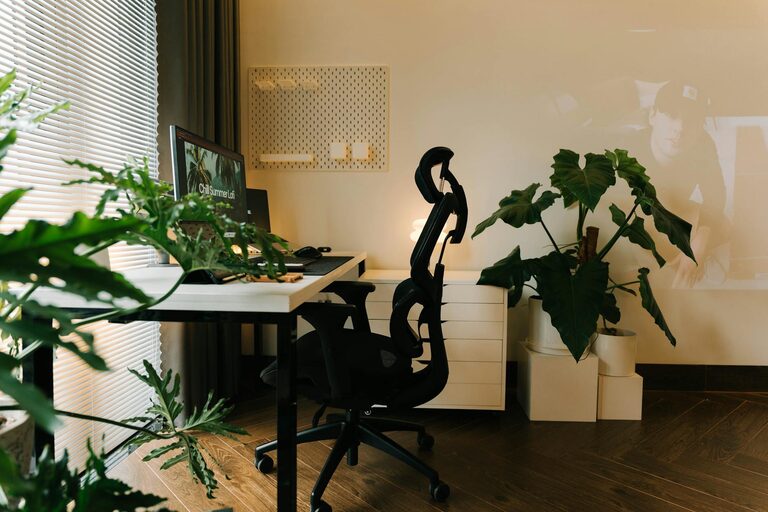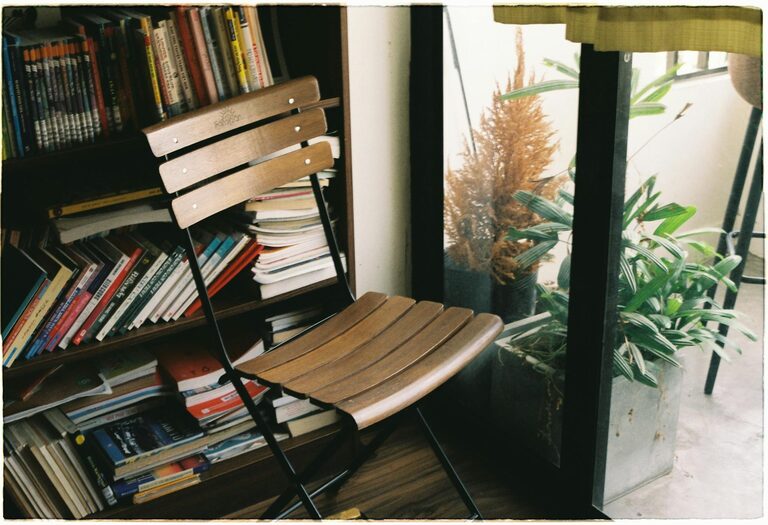
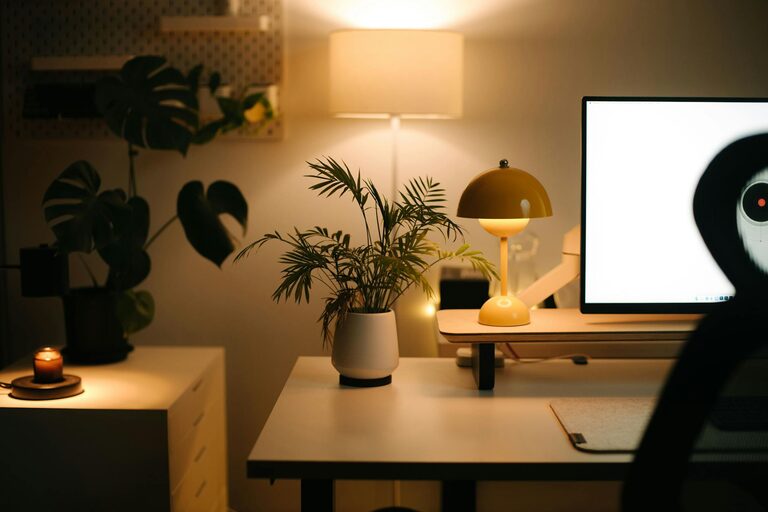
Creating a relaxing home workspace is essential for anyone who spends significant time working from home. An environment that feels comfortable and calm can help reduce stress, increase focus, and ultimately improve productivity. Whether you have a dedicated room or just a small corner, there are simple steps you can take to transform your space into a peaceful and efficient area. In this post, we’ll explore practical tips for setting up a relaxing workspace that supports both your comfort and productivity.
Why a Relaxing Workspace Matters
Working from home comes with many advantages, but it also presents challenges like distractions, discomfort, and burnout. A disorganized or cluttered space can make it difficult to concentrate and affect your mood negatively. On the other hand, a thoughtfully arranged workspace encourages steady focus, creativity, and even job satisfaction. When your environment feels inviting and stress-free, your brain can better tune into tasks and maintain energy throughout the day.
Choose the Right Spot
Consider Natural Light
Whenever possible, position your desk near a window. Natural light boosts mood, reduces eye strain, and helps regulate your internal clock. If natural light is limited, invest in bright, adjustable artificial lighting that mimics daylight to avoid feeling sluggish.
Minimize Noise
If noise distracts you, select a quiet area away from busy household activities. Consider using noise-canceling headphones or white noise machines to create a more peaceful atmosphere.
Separate Work and Personal Spaces
Try to designate a specific area exclusively for work. This separation helps your mind associate the space with productivity and makes it easier to “switch off” when the workday ends.
Ergonomic and Comfortable Furniture
Comfort is key for long hours at your desk. Choose an ergonomic chair that offers support for your back and promotes good posture. Adjust your desk and chair height so that your feet rest flat on the floor, your elbows are bent at about 90 degrees, and your screen is at eye level. This helps prevent discomfort and fatigue.
Adding cushions or a footrest can increase comfort, especially during extended sessions. Don’t forget a desk that provides enough space for your computer, notebook, and other essentials without feeling cramped.
Declutter and Organize
A cluttered desk can cause mental clutter. Keep your workspace tidy to clear your mind and reduce distractions.
– Use organizers for pens, papers, and other small items.
– Store rarely-used equipment out of sight.
– Maintain only daily essentials on your desk.
– Regularly clean your workspace to keep it fresh and inviting.
Add Personal Touches Mindfully
While too much decoration can be distracting, a few personal items can make your workspace feel more welcoming.
– Include a plant to bring a bit of nature indoors, which can reduce stress.
– Hang inspiring artwork or photos that motivate you.
– Choose calming colors like soft blues or greens for your workspace decor.
Balance is important so your area feels personalized but not crowded.
Optimize Technology Setup
Ensure your computer, keyboard, and other gadgets are set up efficiently.
– Position your monitor at eye level to avoid neck strain.
– Use wireless accessories to reduce cable clutter.
– Keep chargers and cables organized with clips or sleeves.
Having reliable technology that works smoothly reduces frustration and helps you stay focused.
Incorporate Relaxation Breaks
Even the most comfortable workspace can only do so much without proper breaks.
– Schedule short breaks every hour to stretch or move around.
– Use techniques like deep breathing or mindfulness to refresh your mind.
– Keep a water bottle nearby to stay hydrated.
Taking these pauses can revive your energy and maintain productivity throughout the day.
Control Temperature and Air Quality
A comfortable temperature and fresh air contribute to your overall wellbeing.
– Adjust your thermostat to a comfortable level, typically around 68-72°F (20-22°C).
– Use a fan or heater if needed.
– Open windows occasionally for ventilation or consider an air purifier to maintain clean air.
Good air quality helps you feel alert and reduces fatigue.
Set Clear Boundaries and Routines
To make the most of your relaxing workspace, establish boundaries between work time and personal time.
– Set regular work hours and stick to them.
– Limit distractions by turning off social media notifications.
– Create a pre-work routine to mentally prepare for the day.
Routines provide structure, making your workspace a place for focused work rather than casual relaxation.
Conclusion
Creating a relaxing home workspace is a balance of comfort, organization, and personalized touches. By setting up your environment thoughtfully, you encourage productivity while supporting your wellbeing. Start small—shine a little more light, clear a cluttered surface, or adjust your chair—and build from there. With these practical tips, your home workspace can become a comfortable and inspiring zone that helps you achieve your best work every day.
About the Author