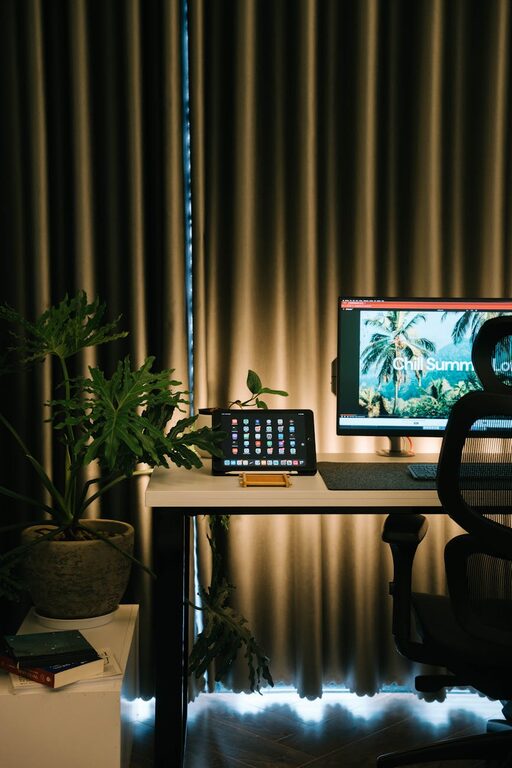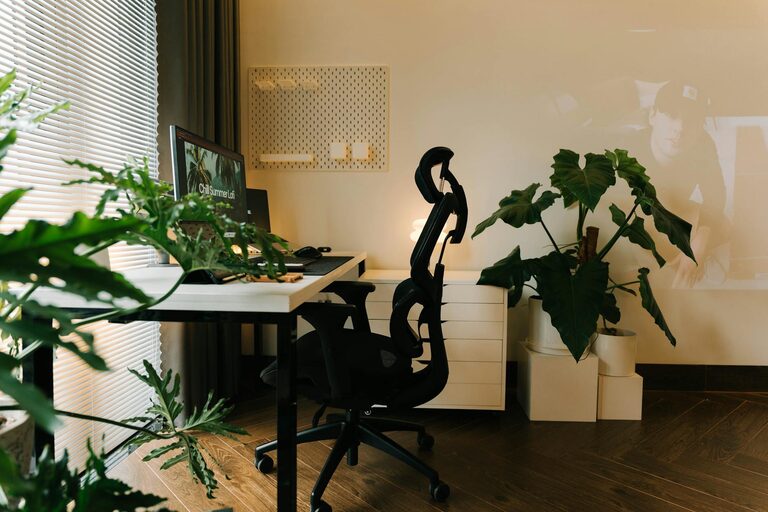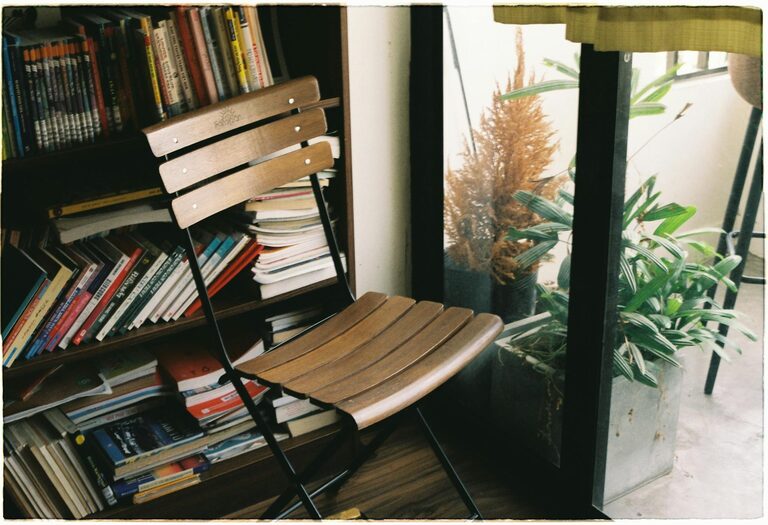
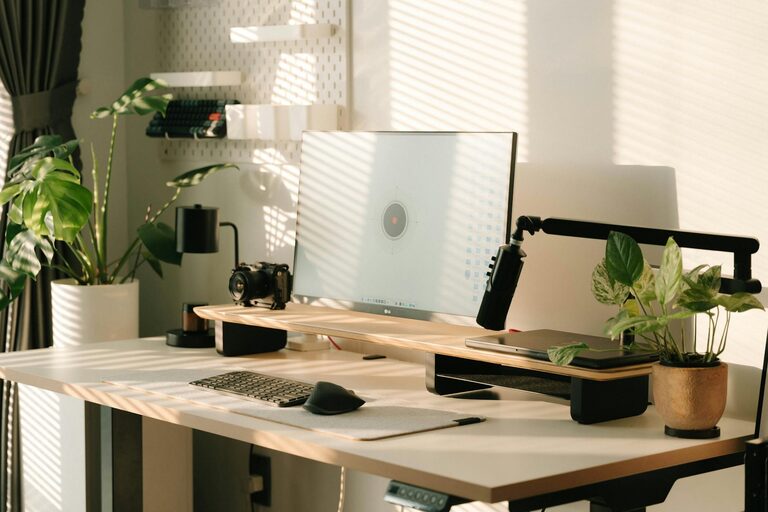
Creating a home office space that supports productivity and comfort is essential for anyone working remotely or managing tasks from home. A well-designed workspace can reduce distractions, improve focus, and help separate work life from home life. Here are some valuable tips to help you build a productive home office.
Choose the Right Location
Selecting a dedicated area for your home office is the first step. Ideally, this space should be quiet and away from high-traffic zones like the kitchen or living room. A separate room is perfect, but if that’s not available, a corner or nook can work well too.
– Consider natural light: Position your desk near a window if possible to benefit from natural daylight, which can boost mood and energy.
– Accessibility: Ensure your workspace is easy to access and away from distractions like television or noisy appliances.
Invest in Ergonomic Furniture
Comfort is a major factor in productivity. Investing in ergonomic furniture will support your posture and reduce fatigue during long work hours.
– Desk: Choose a desk at the right height for your body. Adjustable desks, including standing desks, offer flexibility.
– Chair: Opt for a chair with lumbar support and adjustable height.
– Accessories: Consider footrests, wrist supports, and monitor stands to enhance comfort.
Organize Efficiently
Clutter can distract and slow down your work. Organizing your home office will help keep your focus sharp and save time searching for materials.
– Storage solutions: Use shelves, filing cabinets, or storage boxes to keep documents and supplies tidy.
– Desk organization: Keep only essential items on your desk to maintain a clean surface.
– Cable management: Use cable clips or sleeves to keep cords organized and out of the way.
Optimize Lighting
Good lighting reduces eye strain and keeps you alert.
– Natural light: Utilize daylight as much as possible.
– Task lighting: Use a desk lamp with adjustable brightness for focused work.
– Avoid glare: Position screens and lights to minimize glare on your computer monitor.
Minimize Distractions
Creating boundaries can help you stay focused throughout the workday.
– Sound control: Use noise-canceling headphones or play soft background music if needed.
– Clear boundaries: Communicate your work hours to household members to reduce interruptions.
– Digital focus: Use apps or browser extensions to block distracting websites during work periods.
Personalize Your Space
A workspace that feels welcoming can increase motivation.
– Decor: Add plants, artwork, or personal items that bring joy without cluttering the space.
– Colors: Choose calming or energizing colors based on your preference.
– Comfort items: A cozy blanket or a small fan can make your environment more pleasant.
Maintain Good Air Quality
Fresh air can improve concentration and well-being.
– Ventilation: Open windows regularly to let in fresh air.
– Air purifiers: Consider an air purifier if your area has pollution or allergens.
– Plants: Indoor plants can help purify the air and add greenery.
Establish a Routine
Even the best workspace won’t help if your work habits aren’t structured.
– Set work hours: Define clear start and end times for your day.
– Breaks: Take regular breaks to stand, stretch, and rest your eyes.
– Task planning: Use to-do lists or planners to organize your workload and priorities.
Technology Setup
Having reliable technology is critical for efficiency.
– Internet: Ensure fast, stable internet connectivity.
– Equipment: Use tools like printers, scanners, or extra monitors if necessary.
– Backup: Regularly back up important files to avoid data loss.
Keep It Clean
A tidy workspace consistently supports productivity.
– Schedule weekly cleanups to dust, declutter, and refresh your office.
– Sanitize surfaces to maintain a healthy environment.
—
Creating a productive home office is a combination of practical setup, organization, and good habits. By tailoring your space to your needs, you can foster better focus, comfort, and efficiency in your daily remote work routine.
About the Author