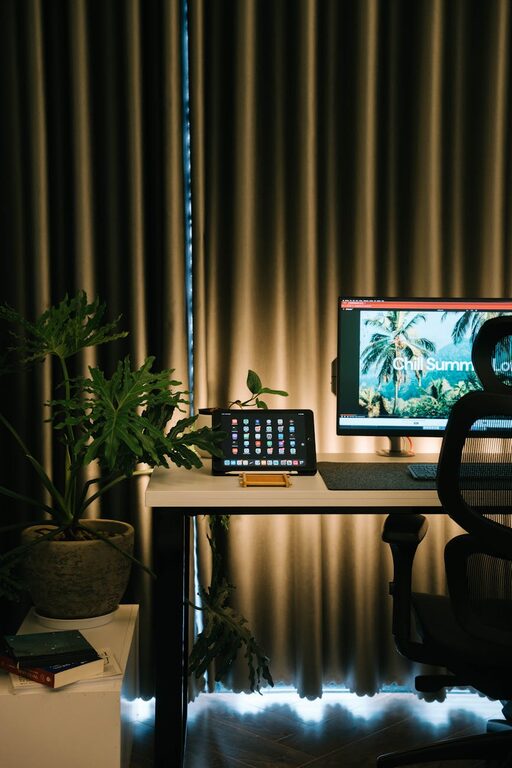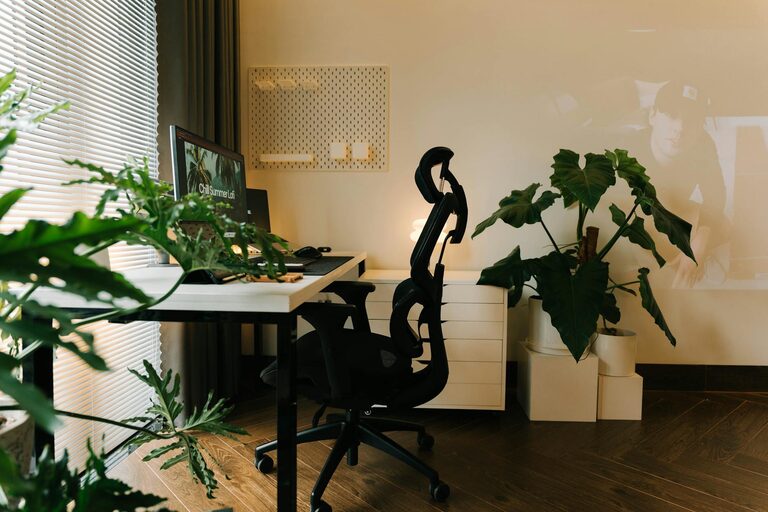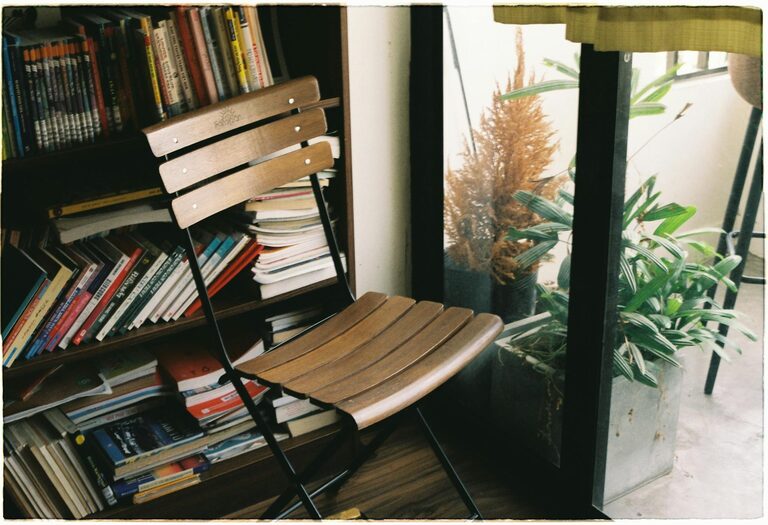
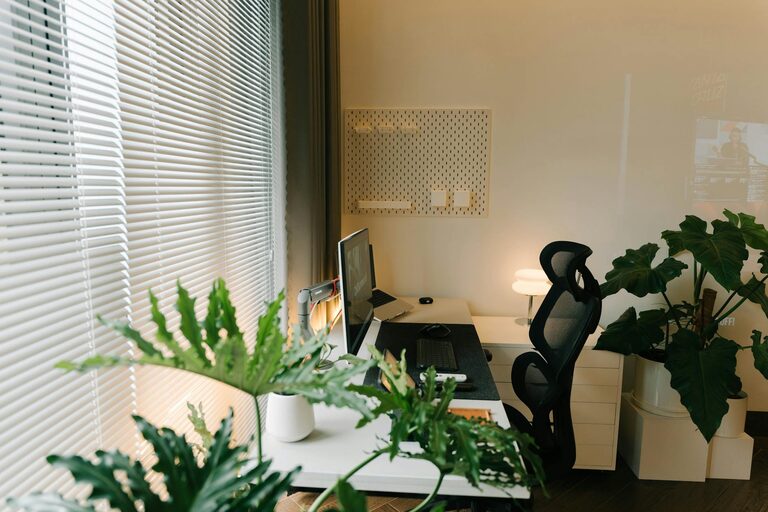
Creating a home office that is both cozy and functional can greatly improve your work-from-home experience. Whether you need a quiet corner for focused tasks or a welcoming spot for virtual meetings, the right setup can help you stay productive and comfortable. Here are some helpful tips to design your perfect home office space.
1. Choose the Right Location
Finding the ideal spot in your home is the first step. Look for a place with:
– Natural light: A window nearby can boost mood and reduce eye strain.
– Quiet environment: Pick a space with minimal distractions.
– Adequate room: Ensure there’s enough space for your desk, chair, and any necessary equipment.
If space is limited, consider multi-functional areas or small nooks that can be dedicated to work without interfering with your daily life.
2. Invest in Comfortable Furniture
Your office furniture plays a major role in comfort and productivity. Consider:
– Ergonomic chair: Supports your posture during long hours.
– Adjustable desk: Standing desks or adjustable-height desks can reduce fatigue.
– Ample desk space: Room for your computer, paperwork, and personal items.
Comfortable furniture helps prevent aches and makes long work sessions more tolerable.
3. Optimize Lighting
Good lighting decreases eye strain and creates a pleasant atmosphere.
– Use a combination of natural and artificial light.
– Add a desk lamp with adjustable brightness.
– Avoid glare by positioning screens perpendicular to windows.
Warm light tones (rather than harsh white) can make the space feel welcoming and cozy.
4. Personalize Your Space
Adding your personal touch can make your home office feel inviting.
– Display photos, artwork, or inspirational quotes.
– Use colors that calm and motivate you – soft blues, greens, or warm neutrals.
– Incorporate plants to bring a touch of nature indoors.
Personalization boosts mood and helps you enjoy spending time in your workspace.
5. Organize Efficiently
Clutter can be distracting and stressful. Keep your home office organized by:
– Using storage solutions like shelves, bins, or drawer organizers.
– Keeping cables under control with clips or sleeves.
– Decluttering regularly to maintain a clean work environment.
An orderly workspace supports better focus and efficiency.
6. Manage Noise Levels
Depending on your home’s ambiance, noise can be a challenge.
– Use noise-cancelling headphones or white noise apps for concentration.
– Consider soundproofing with rugs, curtains, or acoustic panels.
– Let household members know your working hours to minimize interruptions.
Creating a quiet zone can significantly improve your productivity.
7. Incorporate Technology Wisely
Make sure your home office technology supports your needs.
– Reliable internet connection for video calls and file sharing.
– Quality webcam and microphone.
– Surge protectors and extra charging cables.
Keeping tech organized and updated ensures smooth workdays without frustrating downtime.
8. Maintain a Healthy Work-Life Balance
Finally, design your home office to promote separation between work and rest.
– Use a door or room divider to set boundaries.
– Limit work materials to the office space only.
– Set specific working hours and take regular breaks.
A well-planned space helps you focus during work hours and fully relax afterward.
—
Final Thoughts
Designing a cozy and functional home office is about balancing comfort, organization, and personalization. By carefully selecting your location, furniture, lighting, and decor, you’ll create a space that supports your productivity and well-being. Start small, adjust as you go, and enjoy a workspace that suits your unique needs.
About the Author